🎁 Exclusive Launch Offer: Special price + bonus bundle (limited time OFFER)
Make Beautiful Digital Products
With CanVA In Hours (not days)
Learn Canva step-by-step with simple guides and videos
Canva Unlocked™ is for anyone who wants to master Canva fast, even if starting from zero.
Learn how to create scroll-stopping content and beautiful digital products without wasting hours.
Learn how to use Canva’s AI features to speed up your designs, your ideas, and your workflow.
📣 LIMITED TIME - LAUNCH BONUS: Includes the 200 Ready-to-use Canva designs + Social Media Planner + Master Resell Rights (MRR)
⭐
1000+ Happy customers
⭐
900+ student
designs
⭐
750+ SUCCESS
STORIES
⭐
Success
guaranteed
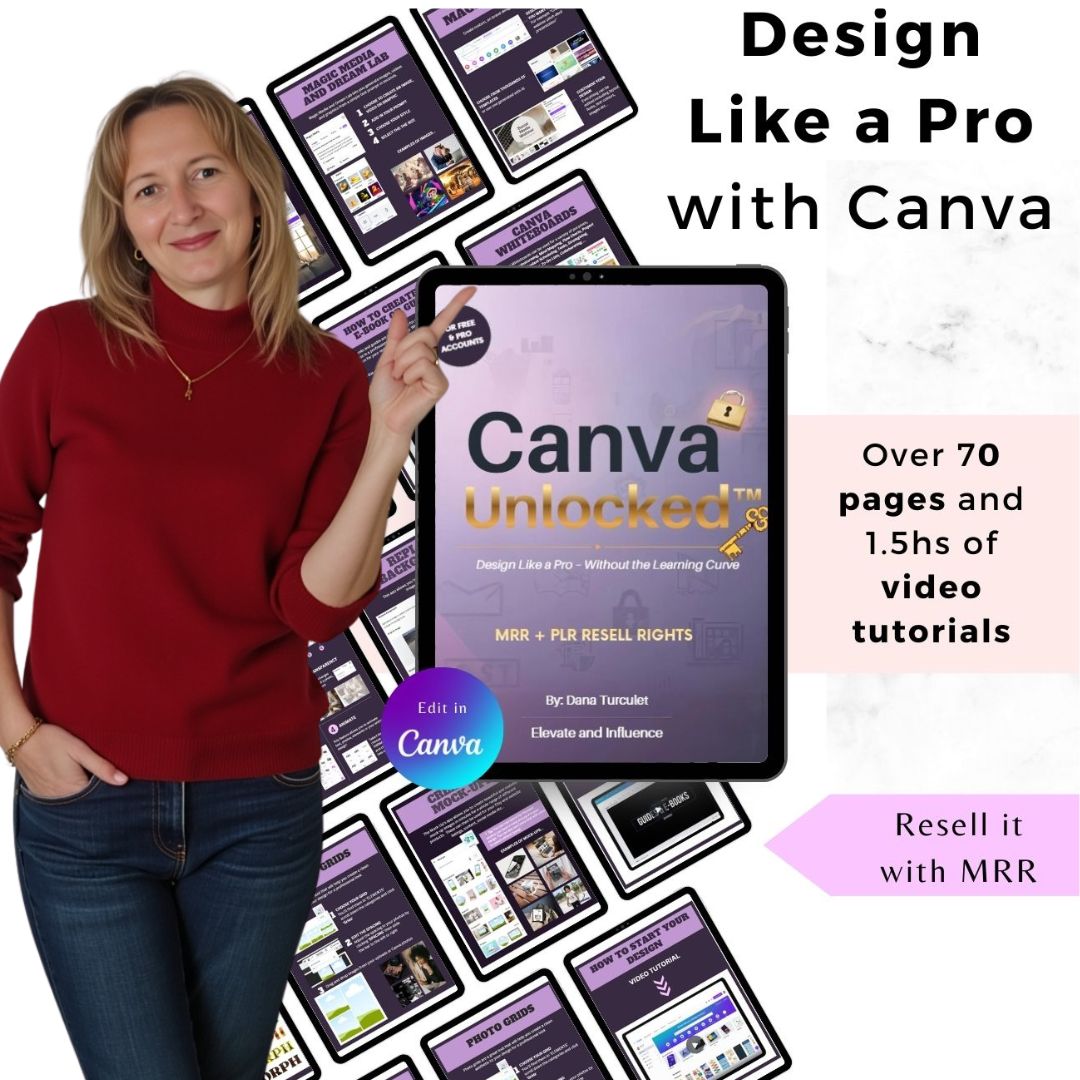
Canva Unlocked™ Course will Help you ...
✅ Create clean, professional designs in just a few hours even if you’re a total beginner
✅ Save time by using Canva shortcuts and AI features
✅ Turn simple ideas into sellable digital products and learn how to promote and sell them
✅ Start earning money by selling Canva Unlocked™ with MRR and keep 100% profit
So what do I get?
What’s Inside Canva Unlocked™
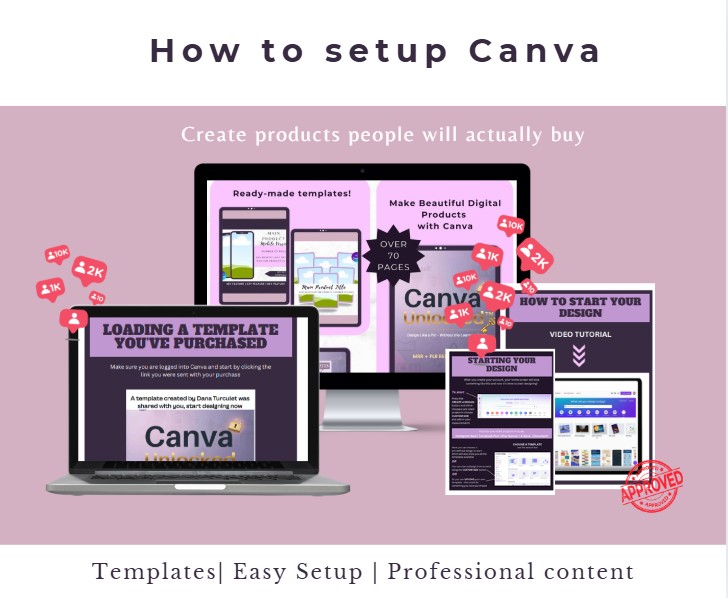
Getting Started With Canva (Value $19)
Find the best templates for ebooks, planners, and guides
Choose the right page sizes so everything looks professional
Set up designs that are clean, modern, and easy to read
Avoid beginner mistakes that make products look “DIY”
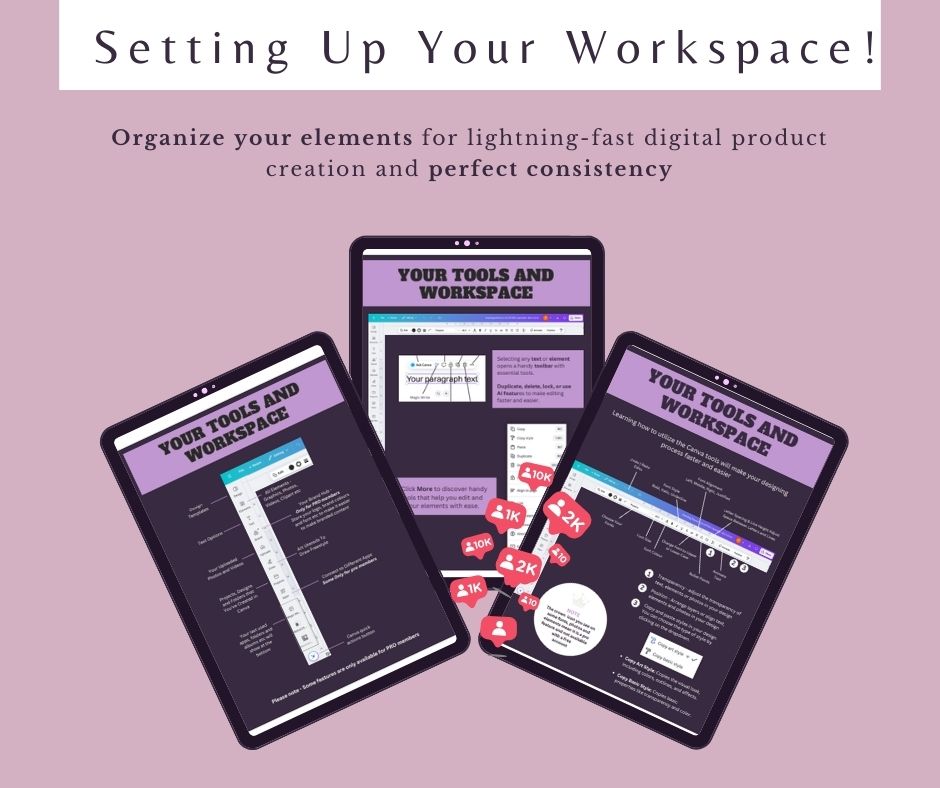
Setting Up Your Workspace (Value $23)
Build a simple Canva setup that saves you hours
Organize elements so you can design fast
Keep your pages consistent from start to finish
Use folders the right way (so you never lose files again)
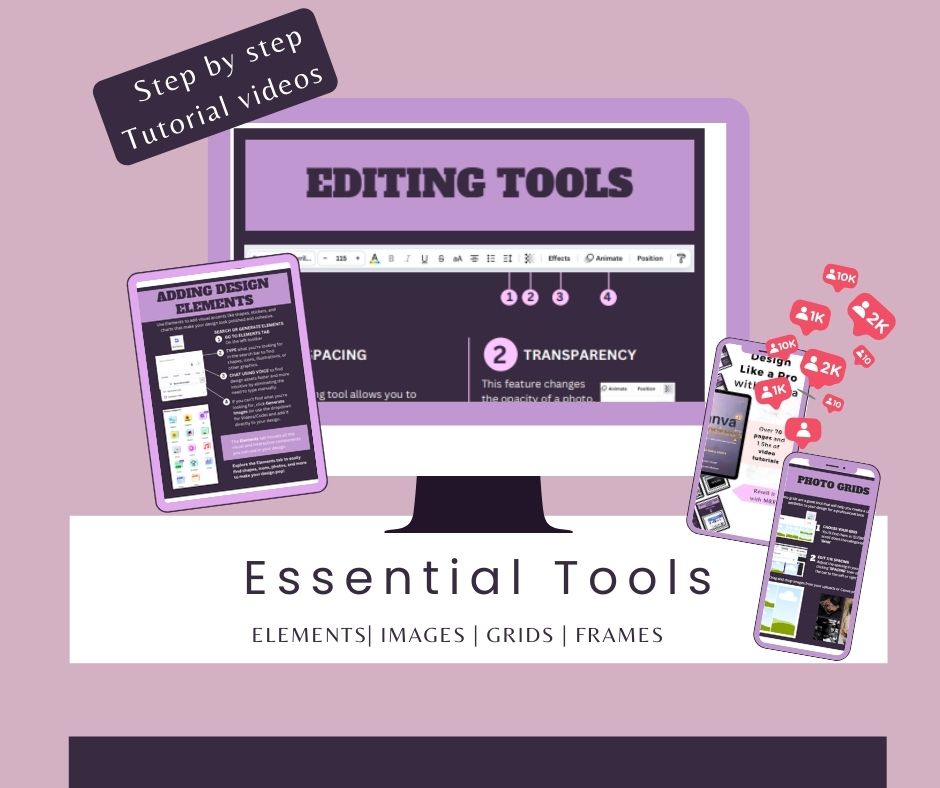
Essential Tools (Value $29)
Align, layer, and position like a designer
Lock elements so nothing shifts by accident
Use grids, spacing, and structure that look premium
Learn the few tools that do 80% of the work
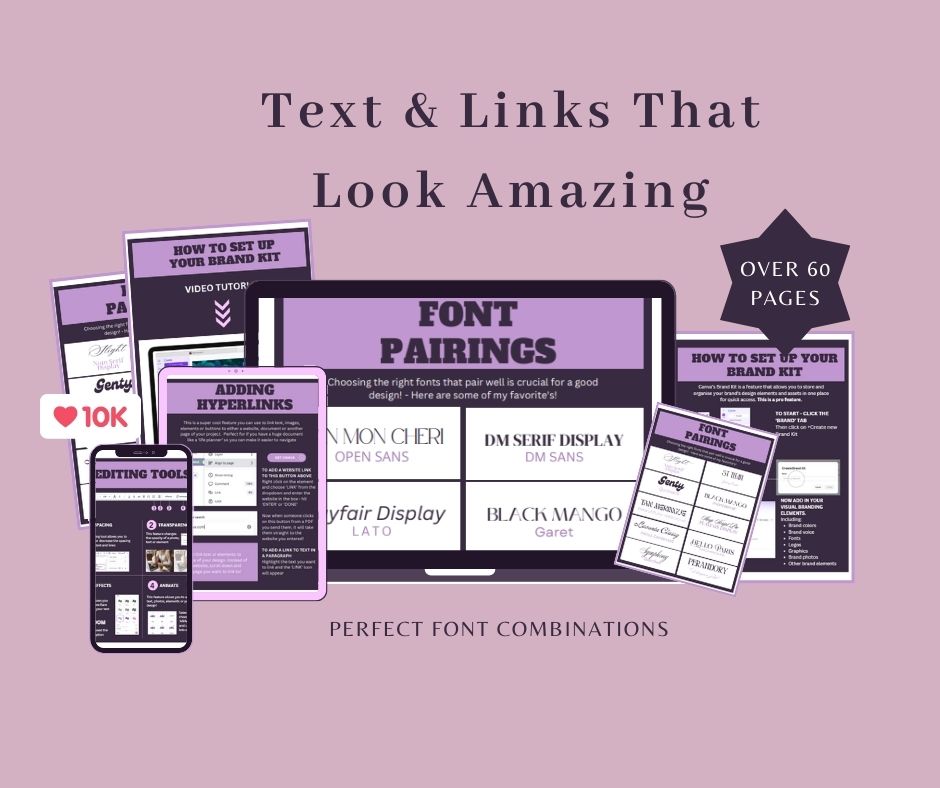
Text & Links That Look Amazing (Value $18)
Pick font combos that look clean and professional
Create layouts that are easy to scan and understand
Add clickable links for guides and ebooks
Make your pages feel polished, not crowded
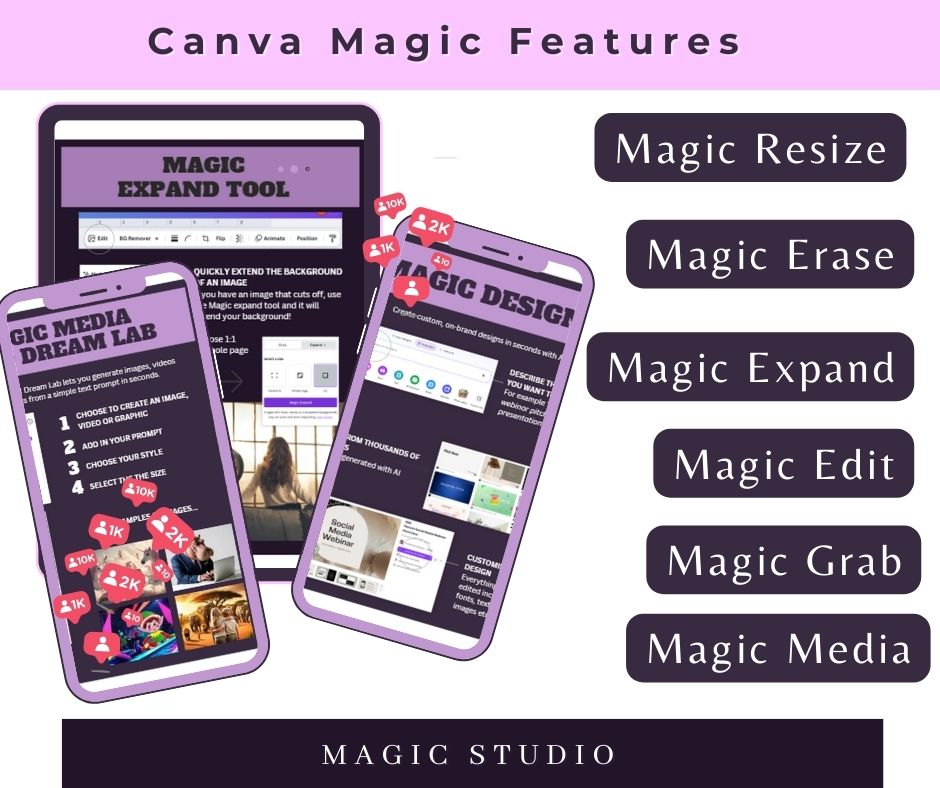
Canva Magic + AI Features (Value $31)
Use Canva AI to speed up content and design
Generate ideas, copy, and visuals faster
Use smart tools to resize and repurpose quickly
Create more in less time (without overwhelm)
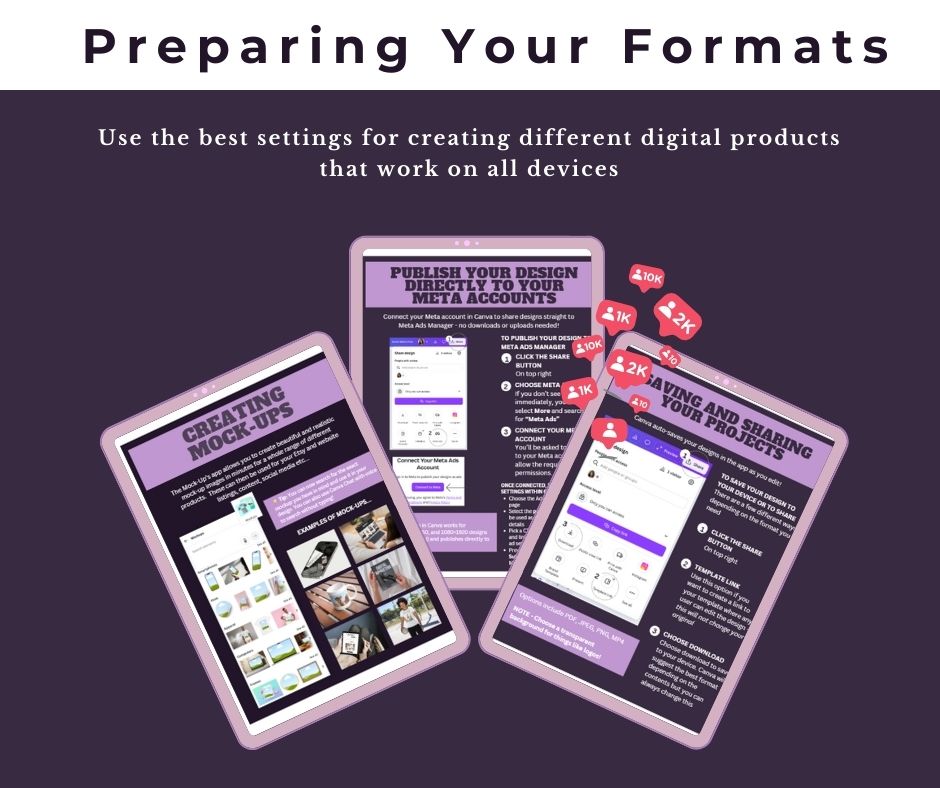
Export + Formats (Value $15)
Export the right way for PDFs, printables, and products
Use settings that look sharp on mobile and desktop
Create preview images that boost sales
Package your files so customers have a smooth experience
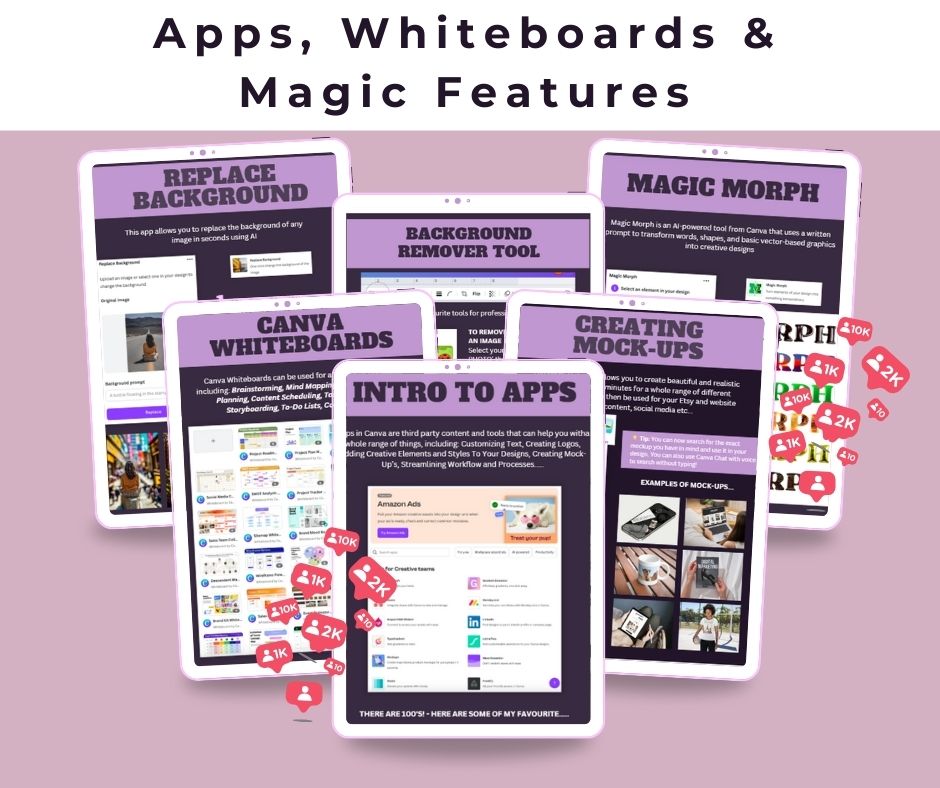
Whiteboards and Canva Apps (Value $27)
Use Canva Whiteboards to brainstorm, mind map, plan projects, and collaborate
Explore Canva Apps to customize text, create logos, and speed up design
Use Mockups to generate realistic product images fast
Learn Magic Morph to transform text/shapes into creative designs using prompts
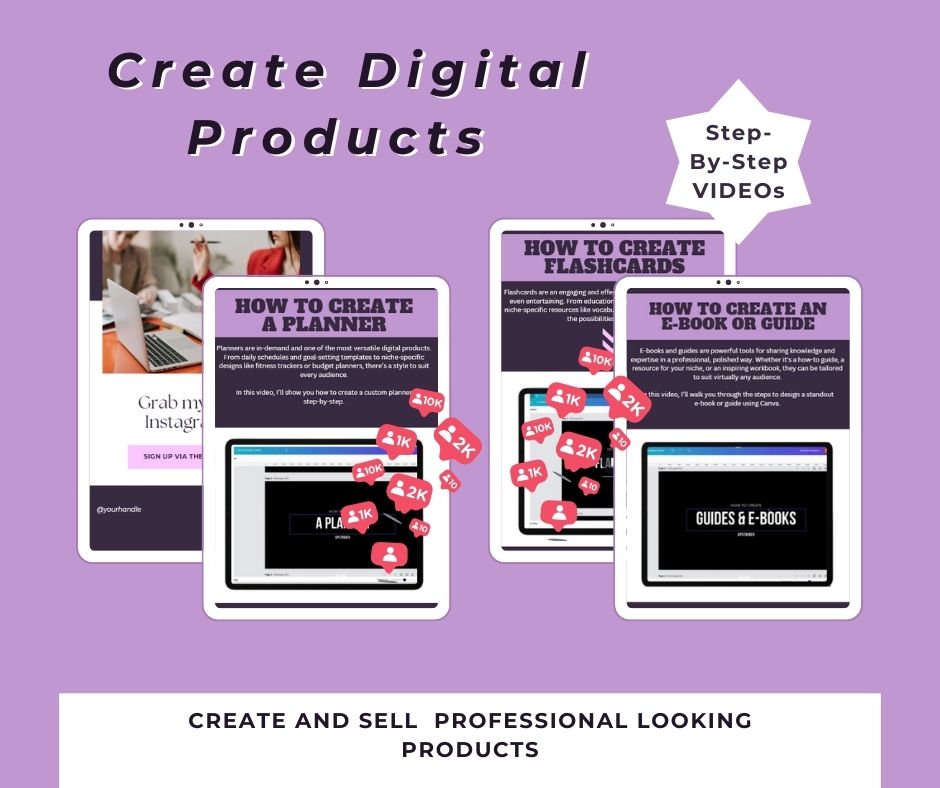
Create Digital Products (Value $39)
Build a custom planner step-by-step (simple, clean, and professional)
Design a standout ebook/guide that’s easy to read and looks premium
Create engaging flashcards for learning, teaching, or niche resources
Learn how to choose the right format for your audience (and make it look polished)
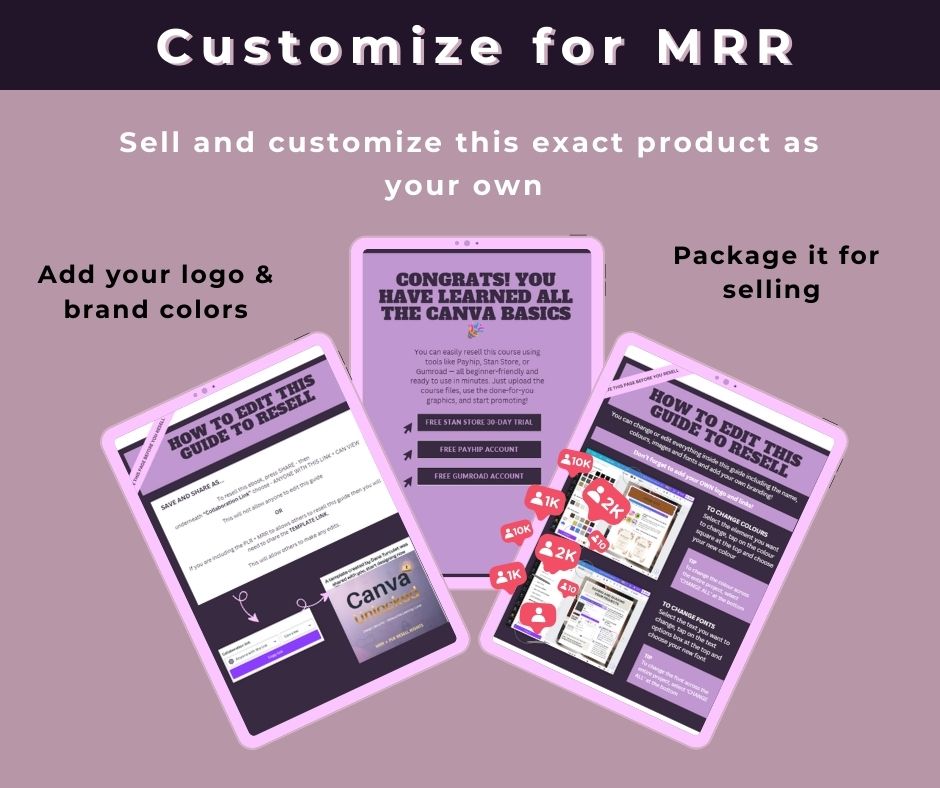
Customize For Resell (Value $29)
Edit everything: title, colors, fonts, images, and layout to match your brand
Swap in your logo + brand colors so it looks like your product
Learn the simple steps to package it for selling (clean files + delivery-ready)
Get clarity on what you can change and how to resell with confidence
PLUS: Special Bonuses
BONUS #1: Content Creation Unlocked™ (Ready-to-use Canva designs) (Value $97)
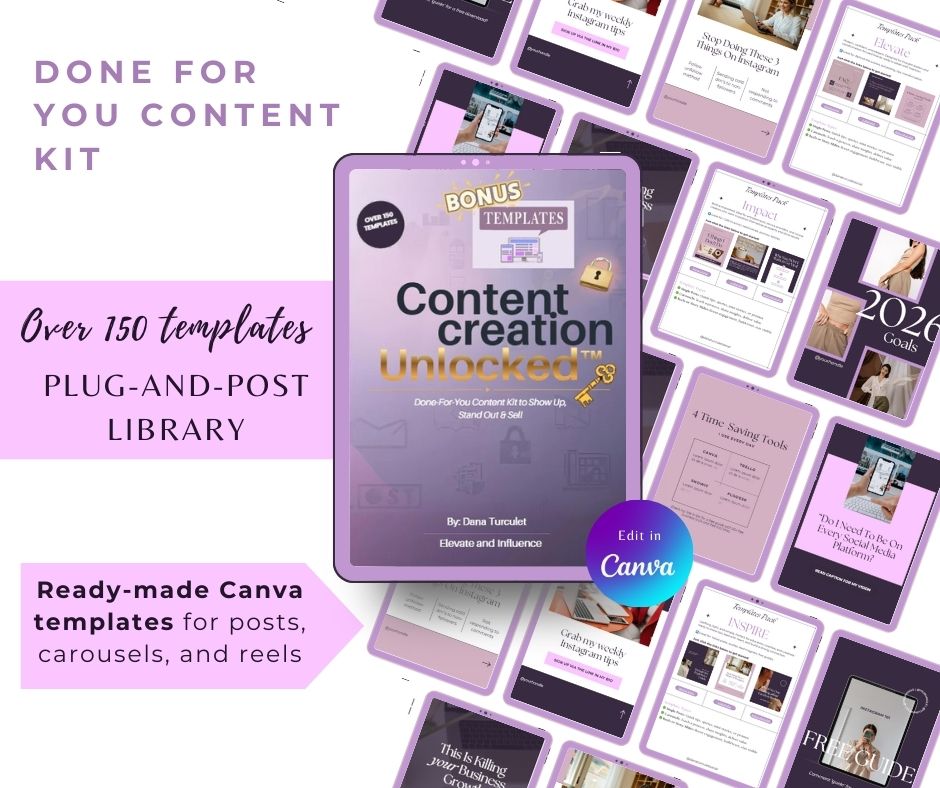
This is your plug-and-post library so you can start showing up and promoting immediately—without staring at a blank screen.
Ready-to-use Canva designs for posts, carousels, and reels
Designed to look clean, modern, and professional (even if you’re new)
Swap your colors/text and post in minutes—no design skills needed
Perfect for consistent content that builds visibility and leads
BONUS #2: Social Media Planner Unlocked™
(Value $17)
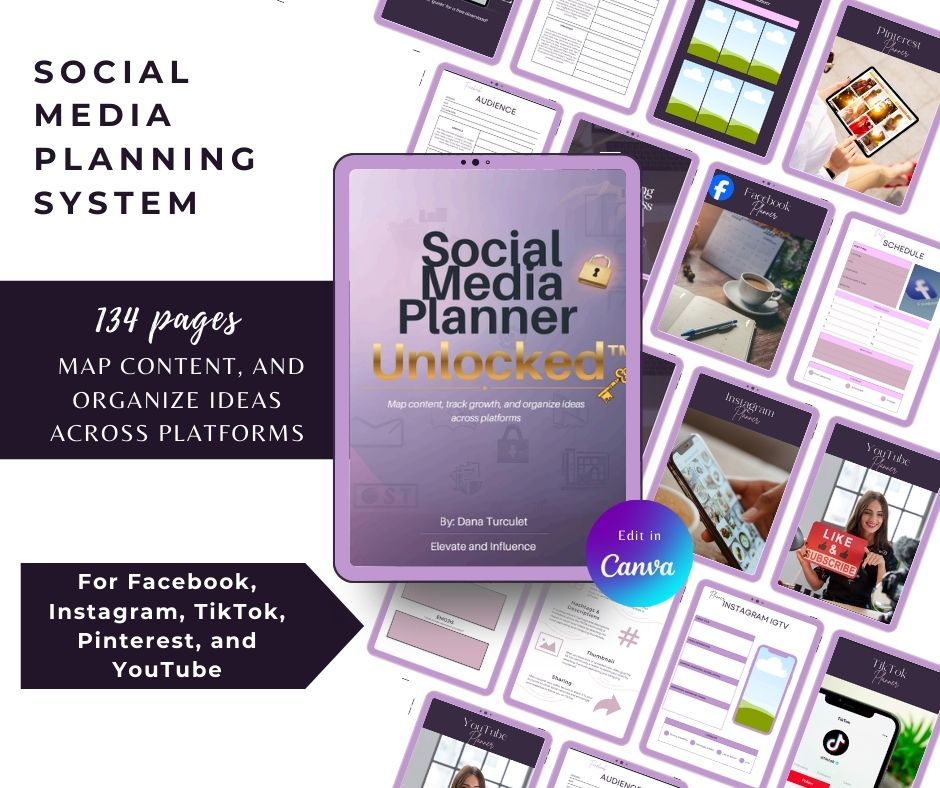
Your “stay-consistent” planning system to map content, track growth, and organize ideas across platforms—without winging it.
Plan weekly and monthly content with ready-to-fill schedules and trackers
Includes platform sections for Facebook, Instagram, TikTok, Pinterest, and YouTube
Built-in pages to spy on competitors, capture ideas, and track what performs best
Checklists + planning pages for posts, lives, stories, hashtags, goals, and promotions
.... AND THE BEST PART ...
RESELL CANVA UNLOCKED™ FOR 100% PROFIT
(Value $78)
What if Canva wasn’t just something you use…
What if it became something you sell — and keep 100% of the profit?
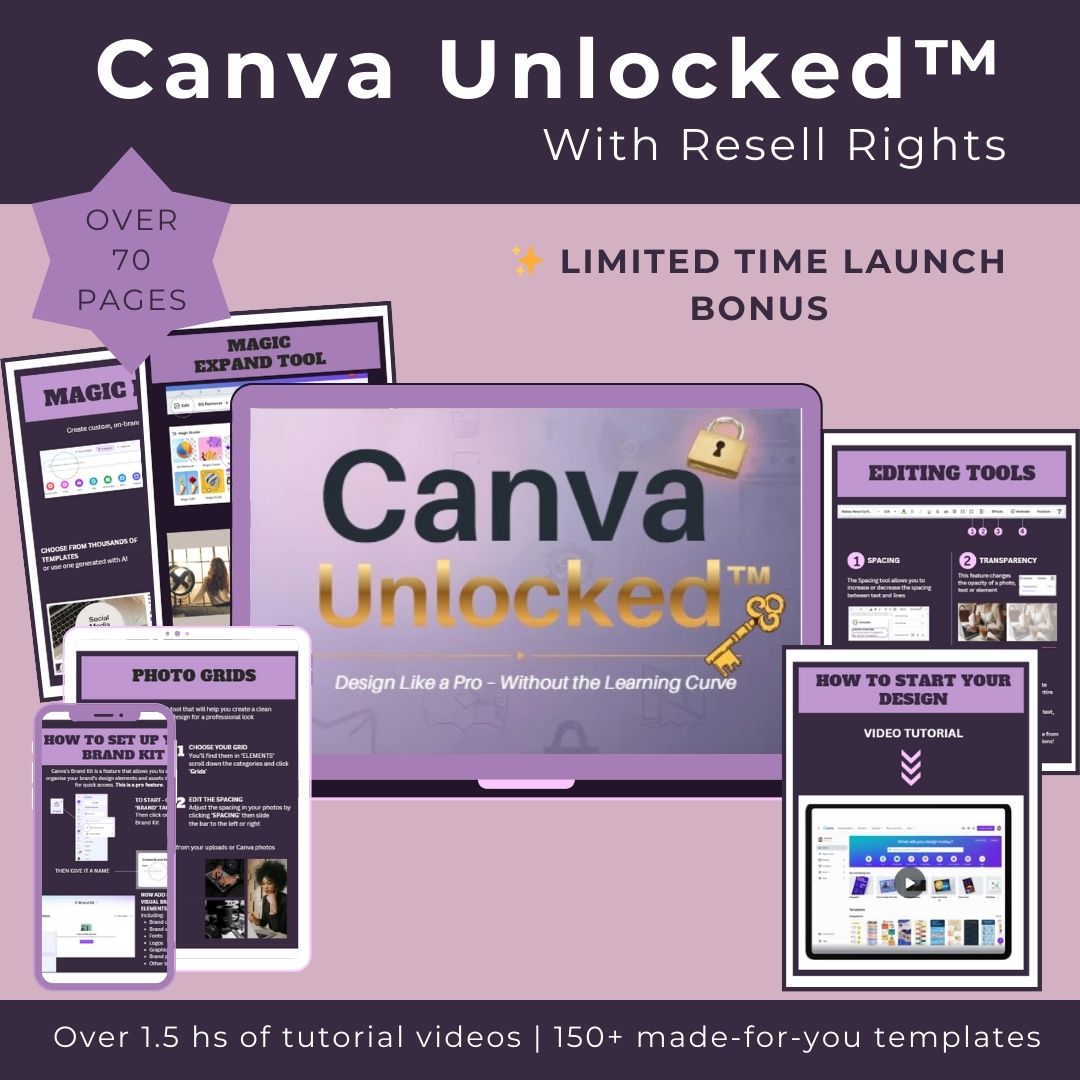
Welcome to digital leverage at its finest.
With Canva Unlocked™, you don’t just get the training. You get Master Resell Rights — meaning I hand you a proven, high-value digital product you can brand as your own and start selling right away.
✅ No need to create a course from scratch
✅ No complicated tech setup
✅ No split commissions — you keep it all
This isn’t affiliate marketing.
This is MRR — where YOU become the business.
Plug into the same system you’re learning inside this course, customize the Canva template with your branding, and turn it into an income stream you can build on.
This means you can:
→ Sell a skill people are already searching for (Canva)
→ Get paid instantly via Stripe or PayPal
→ Create momentum while you sleep
No overthinking. No perfection.
Just a smart digital asset doing the work.
Let’s turn your skills into leverage.
Let’s turn your content into commission.
🎨 Use it.
💬 Share it.
💸 Resell it.
100% yours. 0% fluff. Let’s go!
TODAYS SPECIAL OFFER :
Getting Started With Canva (Value $19)
Set Up Your Workspace (Value $23)
Essential Tools (Design Like a Pro) (Value $29)
Text & Links That Look Amazing (Value $18)
Canva Magic + AI Features (Value $31)
Export + Formats (So It Works Everywhere) (Value $15)
Apps, Whiteboards & Power Features (Value $27)
How to Create Digital Products (Value $39)
Customize + Edit to Resell (Brand It as Yours) (Value $29)
BONUS #1: Content Creation Unlocked™ (Value $97)
BONUS #2: Social Media Planner Unlocked™ (Value $17)
BONUS #3: Resell for 100% Profit (Value $78)
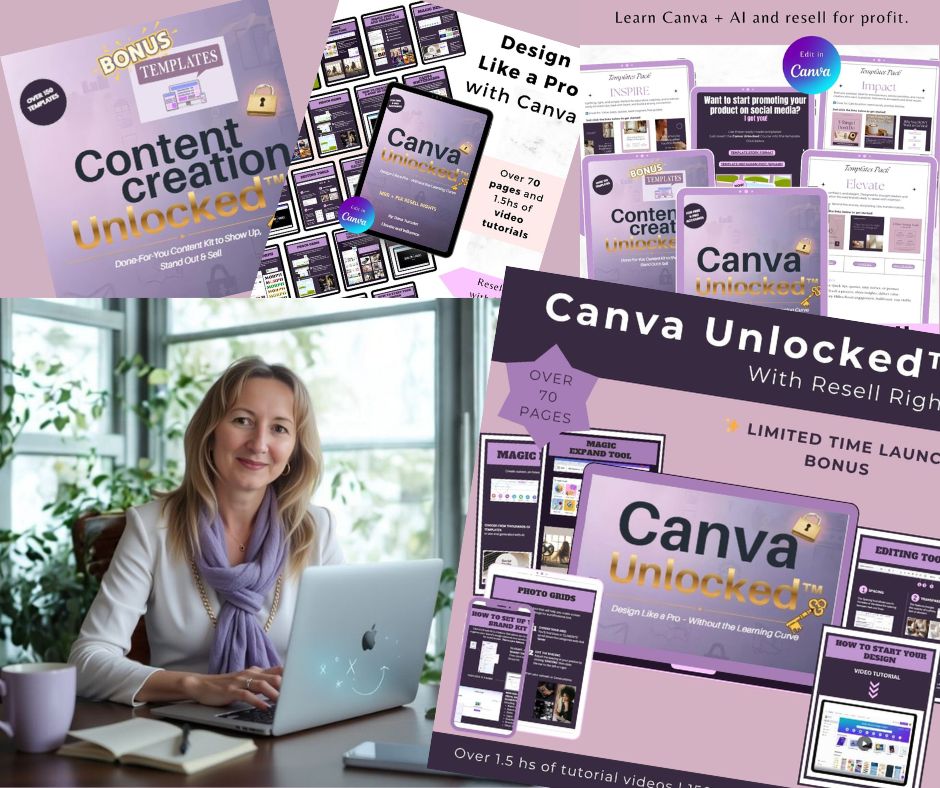
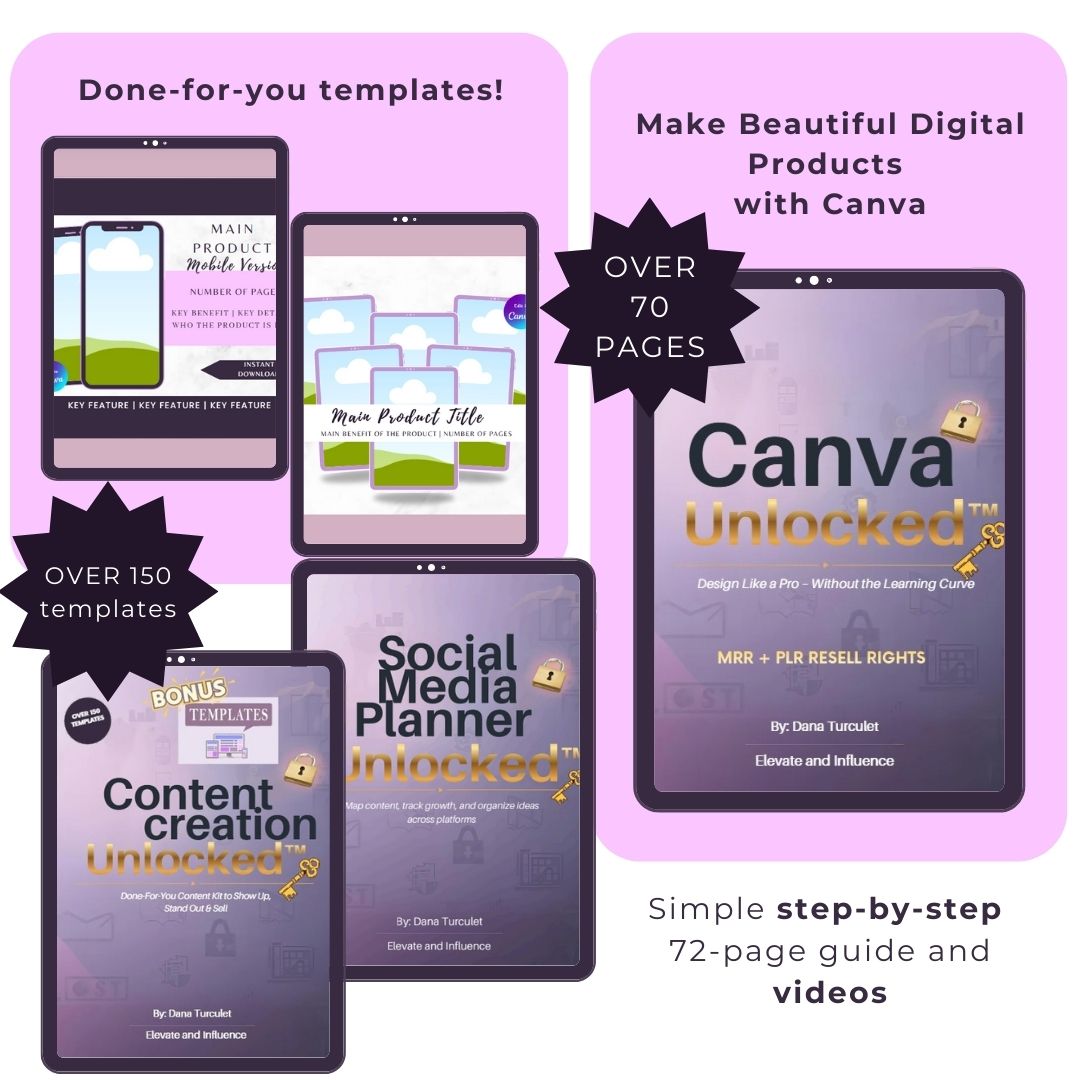
TOTAL VALUE: $422
Get it today for $27

Meet Your Instructor
Dana Turculet
Hi, I’m Dana, the tech brain behind Elevate & Influence and the person friends call when they’re stuck with “the tech stuff.”
By day, I’m an IT Pro. By night, I help busy entrepreneurs and creators simplify their systems, build clean online brands, and use tools like Canva + AI to move faster without overwhelm.
I created Canva Unlocked™ because I kept seeing the same problem: people have big ideas… but they get stuck trying to make things look professional, or they waste hours watching tutorials and still don’t know what to do next.
This course is the shortcut I wish everyone had:
- simple steps (no fluff)
- real examples
- a clear path to creating digital products
- and a practical way to turn the skill into income (MRR included)
You don’t need to be “creative.” You don’t need to be “techy.”
You just need a clear plan — and I’ve got you.
Let’s build something you’re proud to share.
Is Canva Unlocked™ For Me?
Great question — and here’s the answer:
Canva Unlocked™ was designed for busy beginners, creators, and action-takers who are ready to stop overthinking their content and start building real momentum — with a skill that pays.
Whether you want to create clean, professional visuals, build sellable digital products, or finally have a simple system you can follow, this is for you. And if you love the idea of turning what you learn into income, you’ll love that MRR is included—so you can brand it, share it, and keep 100% of the profit.
Perfect for...
Beginners who want to learn Canva fast
Digital product creators (ebooks, planners, workbooks)
Creators + coaches who want better visuals
Busy entrepreneurs who want a resell-ready product
Still Got Questions?
Here Are The Answers
I'm really bad with tech stuff. Is this for me?
Yes. It’s made for beginners and walks you through Canva step-by-step with simple explanations.
Do I need Canva Pro?
No. You can start with the free version. If you have Pro, you’ll have extra options, but it’s not required.
What do I get when I purchase?
Instant access to the Canva Unlocked™ course, video tutorials, and the bonus template library and social media planner.
How long does it take to finish?
Most people can go through it in a few short sessions over a weekend, or in 3–5 days at 20–30 minutes per day.
Will this help me create digital products?
Yes. You’ll learn how to create products like planners, ebooks/guides, and flashcards.
Can I resell Canva Unlocked™?
Yes. This includes Master Resell Rights (MRR) so you can customize it with your branding and keep 100% of the profit.
What can I edit/customize before reselling?
You can change the name, colors, fonts, images, and branding to match your business.
How do I access the Canva template?
You’ll find the template link inside the PDF. Click it, make a copy, and edit it in your Canva account.
Is this a live course or a downloadable product?
It’s a downloadable course (PDF + videos), so you can learn at your own pace and revisit anytime.
What if I get stuck or have questions?
You’ll have access to support through the community (The Elevate Lab) where you can ask questions and get help.
How do I get started?
Click the Button Above :)
Elevate who you are. Express what you know. Amplify your impact.
Helping you become seen, heard, trusted, and valued — at work, online, and in business.